On-Page SEO Checklist: How to Optimize Your Content Perfectly for Search Engines
What is On-Page SEO and Why Does It Matter?
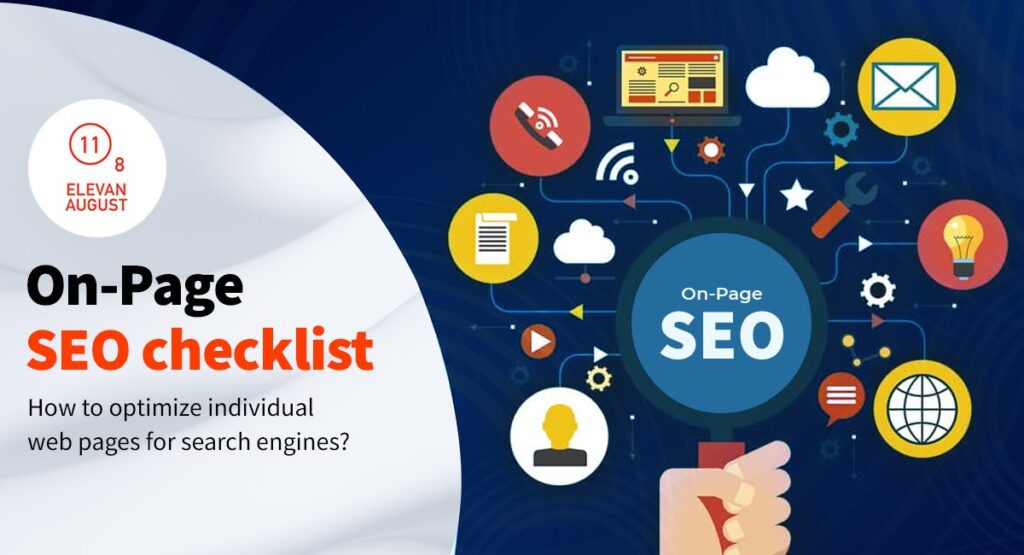
On-page SEO refers to all optimization strategies you implement directly on your website pages to improve search engine rankings. Unlike off-page SEO, which focuses on external signals like backlinks, on-page SEO checklist items are entirely within your control. This includes optimizing your content, HTML tags, heading structure, and overall page architecture. When executed correctly, on-page SEO significantly improves your visibility in search results and drives qualified organic traffic to your website.
Keyword Research and Placement Strategy
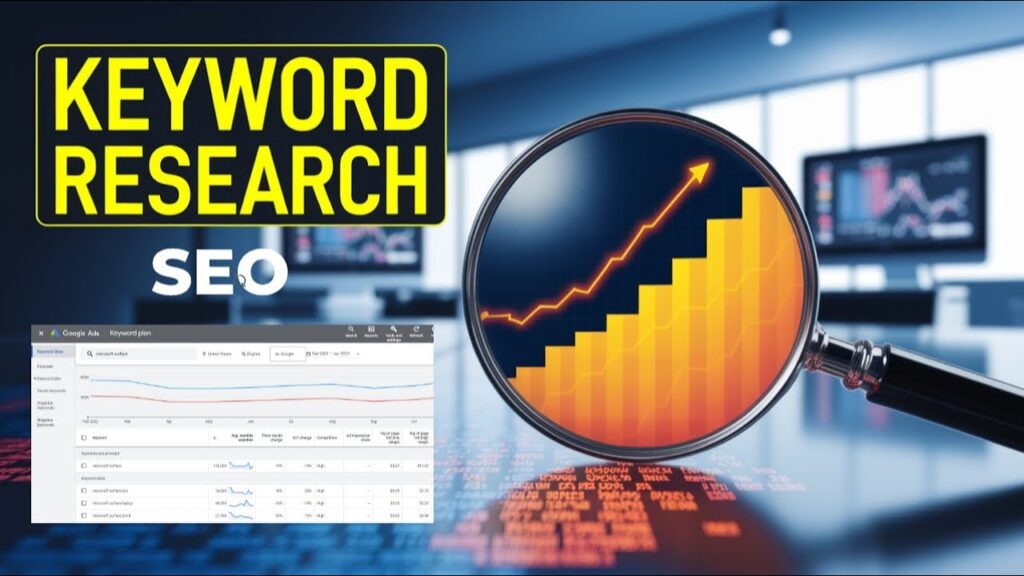
Before you begin optimizing, conduct thorough keyword research to identify terms your target audience searches for. Focus on primary keywords with reasonable search volume and lower competition. Once identified, strategically place your main keyword in critical areas: the page title, H1 heading, first 100 words, and naturally throughout the content. However, avoid keyword stuffing, which penalizes your rankings. Instead, aim for a natural keyword density of 1-2% and use semantic variations and related terms. This approach ensures your content ranks well while remaining readable and valuable to users.
Crafting the Perfect Page Title and Meta Tags
Your meta tags and heading structure form the foundation of on-page SEO. The page title, displayed in search results and browser tabs, should be between 50-60 characters, include your primary keyword, and clearly describe the page content. Meta descriptions, though not a ranking factor, influence click-through rates. Keep them between 150-160 characters, incorporate your target keyword naturally, and include a compelling call-to-action. These meta tags are your first impression to potential visitors, making precision and clarity essential for maximizing engagement and traffic from search results.
Mastering Heading Structure for Better Organization
A proper heading structure helps both search engines and users understand your content hierarchy. Use only one H1 heading per page, containing your primary keyword and main topic. Break your content into logical sections using H2 and H3 headings that include related keywords and descriptive phrases. This structured approach improves readability, allows users to scan content quickly, and signals content relevance to search engines. A well-organized heading structure also enhances user experience, reducing bounce rates and encouraging deeper engagement with your content.
SEO-Friendly Content Optimization Techniques
Creating SEO-friendly content optimization requires balancing keyword relevance with user value. Write comprehensive content that thoroughly covers your topic, typically 300-1000+ words depending on keyword difficulty and user intent. Use short paragraphs, bullet points, and clear subheadings to improve readability. Incorporate your target keywords naturally within the first 100 words and throughout the content. Include high-quality, relevant images with descriptive alt text that includes keywords. Internal linking to related pages helps distribute page authority and guides users through your website while improving overall SEO performance.
URL Optimization and Slug Best Practices
Your URL slug significantly impacts SEO and user experience. Create descriptive, keyword-rich URLs that are short and readable, ideally under 75 characters. Use hyphens to separate words and avoid numbers, special characters, or parameters when possible. Include your primary keyword in the URL structure, as search engines consider this an important ranking factor. For example, instead of ‘website.com/page123,’ use ‘website.com/on-page-seo-checklist.’ Keep URLs static and avoid changing them unnecessarily, as this can result in lost ranking authority and broken links.
Image Optimization and Alt Text Implementation
Images enhance user experience and provide ranking opportunities when properly optimized. Compress images to improve page load speed without sacrificing quality. Use descriptive filenames with hyphens, such as ‘on-page-seo-optimization.jpg’ instead of ‘image1.jpg.’ Write detailed alt text that describes the image content and incorporates relevant keywords naturally. Alt text serves multiple purposes: it helps search engines understand images, improves accessibility for visually impaired users, and provides context if images fail to load. Properly optimized images can also appear in image search results, driving additional organic traffic to your website.
Internal Linking Strategy for SEO Success
Strategic internal linking strengthens your overall SEO strategy by distributing page authority and establishing content hierarchy. Link from high-authority pages to important target pages, using descriptive anchor text containing relevant keywords. Create a logical site structure that allows users to navigate easily while helping search engines crawl and understand relationships between pages. Avoid excessive internal linking, which appears manipulative, and instead focus on providing genuine value to users. A well-implemented internal linking strategy improves dwell time, reduces bounce rates, and signals page importance to search engines.
Page Speed and Core Web Vitals Optimization
Search engines prioritize fast-loading pages, making speed a critical ranking factor. Optimize images, enable browser caching, minimize CSS and JavaScript, and use content delivery networks (CDNs) to improve load times. Core Web Vitals—Largest Contentful Paint, First Input Delay, and Cumulative Layout Shift—are essential metrics that impact rankings. Test your page speed using Google PageSpeed Insights and address identified issues immediately. A faster website improves user experience, reduces bounce rates, and signals quality to search engines, ultimately enhancing your search rankings and conversion rates.
Mobile Optimization and Responsive Design
With mobile traffic dominating, mobile optimization is non-negotiable. Ensure your website uses responsive design that adapts seamlessly across all devices. Test mobile usability through Google’s Mobile-Friendly Test tool and address any issues. Optimize touch elements, ensure readable font sizes without zooming, and minimize pop-ups that obstruct content. Mobile-first indexing means Google primarily crawls and indexes your mobile version, making mobile optimization as important as desktop performance. A mobile-optimized site improves user engagement, reduces bounce rates, and significantly boosts your search rankings.
Creating Your Complete On-Page SEO Checklist
Before publishing any page, verify these essential items: primary keyword in title, H1, first 100 words, and meta description; meta description between 150-160 characters; proper heading structure with H1, H2, and H3 tags; high-quality, original content exceeding 300 words; descriptive URLs with keywords; optimized images with alt text; internal links to relevant pages; fast loading speeds under 3 seconds; mobile-responsive design; and clear call-to-action. By systematically applying this on-page SEO checklist and implementing SEO-friendly content optimization techniques, you’ll create pages that rank higher, attract more organic traffic, and convert better. Consistency in applying these practices across your entire website compounds results over time, establishing your site as an authoritative resource in your industry.
To take your campaign to the next level, it is equally vital to master data collection; learn more by reading our strategic guide on how to find high traffic keywords that rank quickly on Google
. To ensure your on-page elements align directly with search engine quality guidelines, you can also review the official documentation provided on the Google Search Central Blog.
Leave a Reply