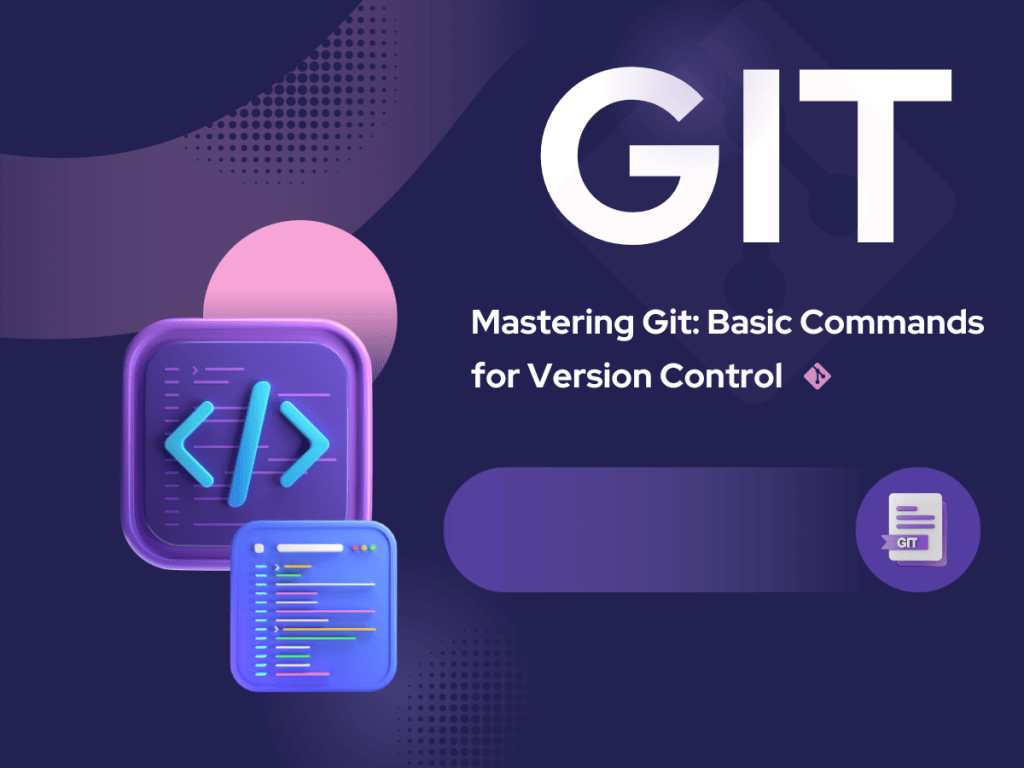
Mastering Version Control: A Beginner’s Guide to Git and GitHub
Understanding Version Control and Its Importance
Version control systems are essential tools for modern software development. They track changes to your code, allow multiple developers to work simultaneously, and maintain a complete history of your project. Git has become the industry standard for version control, offering robust features that streamline collaborative coding workflows. Whether you’re a solo developer or part of a large team, understanding how to use Git and GitHub will significantly improve your development process and code quality.
What is Git and Why You Need It
Git is a distributed version control system that enables developers to manage code changes efficiently. Unlike centralized systems, Git allows every developer to have a complete copy of the project history on their local machine. This distributed approach provides several advantages, including offline access, faster operations, and enhanced collaboration capabilities. Git’s flexibility makes it ideal for projects of any size, from personal repositories to enterprise-level applications.
The primary benefits of using Git include tracking modifications, reverting to previous versions, branching for feature development, and merging changes from multiple contributors. These capabilities make Git an indispensable tool for any developer serious about code quality and project management.
Getting Started with Basic Git Commands for Beginners
Before diving into complex workflows, you need to master fundamental Git commands. The first step is installing Git on your system and configuring your user information. Use the command ‘git config’ to set your name and email, which will appear in all your commits.
The ‘git init’ command initializes a new repository in your project directory, creating the necessary Git infrastructure. Once initialized, you can begin tracking files with ‘git add’, which stages changes for commitment. The ‘git commit’ command saves your staged changes with a descriptive message, creating a snapshot of your project at that moment.
Understanding the difference between ‘git status’, which shows the current state of your repository, and ‘git log’, which displays your commit history, is crucial for effective version control. These basic git commands for beginners form the foundation for more advanced operations and collaborative work.
Exploring GitHub and Cloud-Based Repositories
GitHub is a web-based platform built around Git that facilitates collaboration and project management. It serves as a remote repository where you can store your code, making it accessible to team members and the broader development community. GitHub extends Git’s functionality with features like pull requests, issue tracking, and integrated development workflows.
To use Git and GitHub together, you’ll need to create a GitHub account and connect your local repository to a remote repository on GitHub. The ‘git remote add origin’ command links your local repository to GitHub, while ‘git push’ uploads your commits to the remote server. Conversely, ‘git pull’ retrieves updates from the remote repository, ensuring your local copy stays synchronized with team changes.
Branching and Merging for Feature Development
Branching is one of Git’s most powerful features, enabling parallel development without affecting the main codebase. The ‘git branch’ command creates isolated development environments where you can experiment with new features safely. Create a branch with ‘git branch feature-name’ and switch to it using ‘git checkout feature-name’, or combine these operations with ‘git checkout -b feature-name’.
Once you’ve completed work on a branch, merging integrates your changes back into the main branch. The ‘git merge’ command combines changes from one branch into another, though this may occasionally result in conflicts requiring manual resolution. Modern collaborative coding workflows git emphasizes creating feature branches, making changes, testing thoroughly, and merging only when code is ready, maintaining project stability.
Implementing Collaborative Coding Workflows
Effective collaborative coding workflows git requires establishing clear processes for team communication and code review. Pull requests represent the standard mechanism for proposing changes on GitHub. Instead of pushing directly to the main branch, developers create a pull request, which allows team members to review code, suggest improvements, and discuss changes before merging.
A typical collaborative workflow involves creating a feature branch, committing changes regularly with clear messages, pushing the branch to GitHub, and opening a pull request. Team members review the code, provide feedback, and approve changes. Once approved, the code is merged into the main branch, and the feature branch is deleted. This process ensures code quality, knowledge sharing, and maintains project integrity.
Best Practices for Commit Messages and Code Organization
Clear commit messages are fundamental to maintaining a readable project history. Write concise, descriptive messages that explain what changed and why. Start with a verb in imperative mood, keep the first line under 50 characters, and provide additional details in the message body if necessary. Good commit messages make it easier to understand project evolution and locate specific changes.
Additionally, commit frequently with logical, atomic changes. Avoid combining multiple unrelated changes in a single commit, as this makes it harder to understand modifications and complicates reverting changes if needed. Organize your work into meaningful chunks that represent complete features or fixes.
Resolving Conflicts and Handling Edge Cases
Merge conflicts occur when changes in different branches modify the same lines of code. Git cannot automatically determine which version is correct and requires manual intervention. When conflicts arise, Git marks the conflicting sections in your files. You must manually review these sections, choose the appropriate changes, and then complete the merge using ‘git add’ and ‘git commit’.
Understanding how to navigate and resolve conflicts gracefully is essential for smooth collaborative development. Communication with team members about who’s working on specific areas minimizes conflicts and streamlines the development process.
Conclusion: Your Path Forward with Git and GitHub
Mastering Git and GitHub opens doors to professional software development and effective collaboration. Start with basic commands, practice branching and merging, and gradually implement collaborative workflows in your projects. The skills you develop will serve you throughout your development career, making you a more effective and organized programmer. Continue learning advanced features and best practices as you grow more comfortable with version control fundamentals.
To ensure that your newly versioned deployment workflows remain fully protected from external vulnerabilities, combine your Git workflows with the security infrastructure detailed in the Secure Coding and Cyber Threat Prevention Guide
. To read more about the core mechanics of distributed tracking environments, check out the official Git Documentation platform.
Leave a Reply