
The Webmaster’s Technical Guide to DNS Settings and Safe Domain Transfers
Understanding DNS Settings Guide
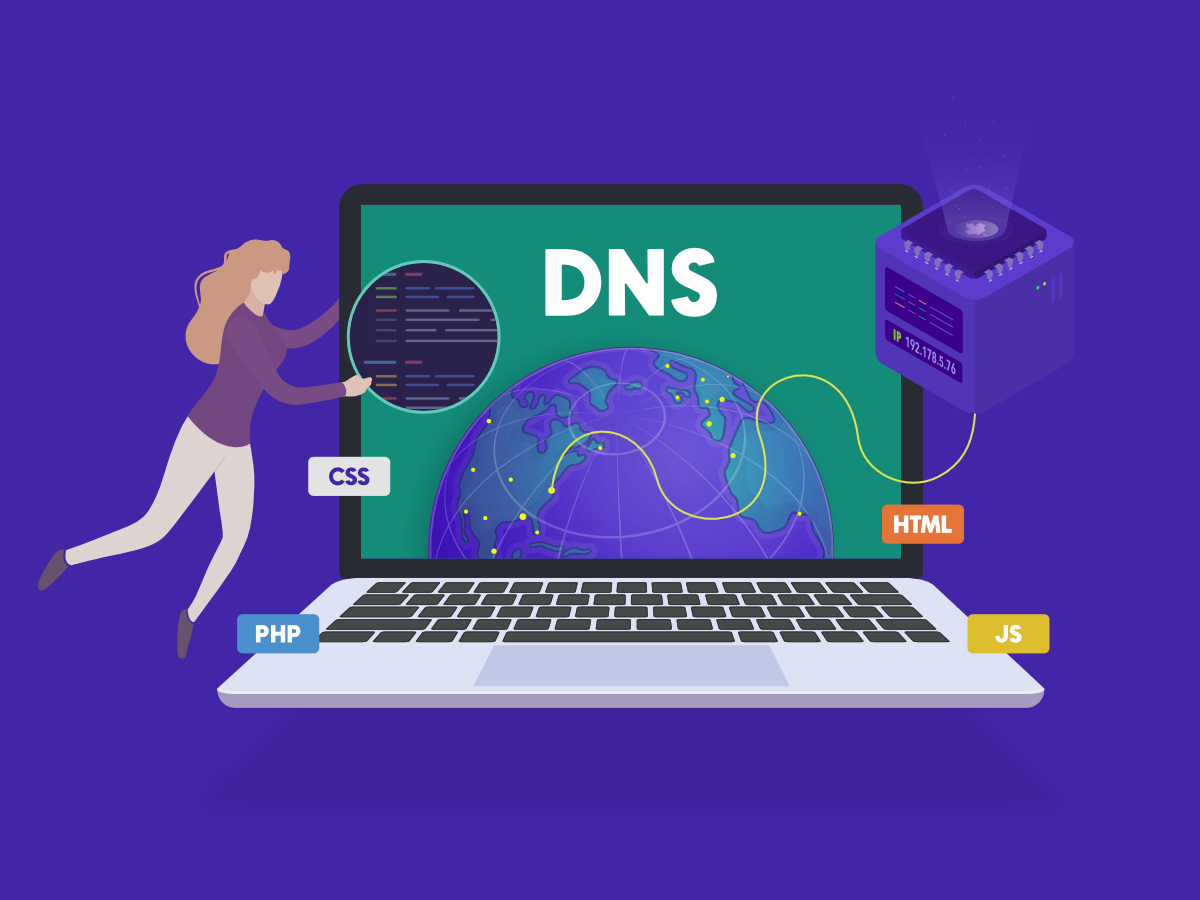
DNS (Domain Name System) serves as the internet’s address book, translating human-readable domain names into IP addresses that computers understand. For webmasters, mastering DNS settings is fundamental to maintaining a functional online presence. DNS records act as instructions that direct traffic to your website, email servers, and other services associated with your domain.
The primary DNS record types include A records, which point your domain to a specific IP address, and CNAME records, which create aliases for subdomains. MX records direct email traffic to your mail servers, while TXT records hold various text information including SPF and DKIM authentication data. NS records indicate which nameservers are responsible for your domain’s DNS resolution. Understanding these records allows webmasters to troubleshoot issues effectively and optimize their domain’s performance.
When configuring DNS settings, always maintain accurate records and verify changes propagate across the internet within 24-48 hours. DNS propagation delays are normal and expected during updates. Document all changes for future reference, creating a DNS audit trail that helps identify when issues occurred and simplifies troubleshooting processes.
How to Transfer Domain to Another Registrar
Domain transfers require careful planning and execution to prevent service interruptions. Begin by ensuring your domain isn’t locked and that you have administrative access to your current registrar’s account. Request an authorization code or transfer token from your existing registrar, which you’ll need to complete the transfer process at the new registrar.
Before initiating the transfer, back up all DNS records from your current registrar. Export these records as a file for safekeeping and easy import at the new registrar. This documentation proves invaluable if issues arise during the transfer or if you need to revert changes quickly. Many registrars provide export functionality through their control panel or administrative interface.
Register an account with your new registrar and initiate the domain transfer process. Enter your authorization code when prompted and complete all verification steps, typically involving email confirmations. Most registrars require domain owner verification through email before processing transfers. Once initiated, the transfer usually completes within 5-7 business days, though some registrars process transfers faster.
During transfer, avoid making DNS changes at your old registrar. Keep nameserver settings unchanged until the transfer completes successfully. Some registrars automatically update your DNS records at the new registrar, while others require manual import of your backed-up records. Verify that all DNS records are correctly configured at the new registrar before the transfer finalizes.
Fixing Domain Connection Issues
When domain connection problems arise, start by verifying your DNS records are correctly configured. Use DNS lookup tools to check whether your A records point to the correct IP address and whether CNAME records resolve properly. These tools reveal what information DNS servers are currently returning for your domain.
Check your nameserver configuration next. Your domain should reference the correct nameservers designated by your registrar or hosting provider. Incorrect nameserver settings prevent your DNS records from being consulted entirely, causing complete connection failures. Verify nameserver addresses match exactly what your registrar specifies, as even minor typos cause significant issues.
Ping your domain to test basic connectivity. If the ping fails, your domain isn’t resolving to an IP address, indicating either DNS record or nameserver problems. Successful pings followed by website unavailability suggest hosting-side issues rather than DNS problems. SSH into your server to verify web services are running properly and listening on the correct ports.
Review your hosting provider’s status page and contact their support team if issues persist. Many connection problems stem from server-side issues rather than DNS configuration. Document error messages, timing of issues, and any recent changes made to DNS records or server configuration to provide helpful information to support staff.
Domain Privacy and Security Lock
Domain security should be a top priority for all webmasters. Enable your domain’s security lock through your registrar’s control panel to prevent unauthorized transfers. This lock prevents anyone from initiating a transfer without first contacting your registrar to disable the lock, adding a significant security barrier against domain hijacking.
Domain privacy protection hides your personal information from WHOIS databases, protecting you from spam, phishing attempts, and identity theft. With privacy enabled, your registrar’s information appears in WHOIS records instead of your personal details. While privacy costs extra, the protection justifies the minimal expense for most webmasters and small businesses.
Implement two-factor authentication on your registrar account to add another security layer. Two-factor authentication requires a second verification method beyond your password, such as a code from your phone or email confirmation. This protection prevents attackers from accessing your account even if they obtain your password through phishing or other methods.
Regularly review your registrar’s security features and update your account settings periodically. Some registrars offer additional protections like transfer locks and email verification requirements. Take advantage of all available security options to create multiple barriers protecting your valuable digital assets from compromise or theft.
To find more deep-dives and expert breakdowns on handling your digital assets effectively, make sure to browse the comprehensive guides available under the Congreso de Webmasters Domain Strategy
section. For those seeking official, technical lookups regarding global networking standards, you can also review the public registry parameters maintained by the ICANN WHOIS Lookup platform.

Leave a Reply